xnview wrote: Wed May 03, 2023 8:09 am
even if you change and come back to this folder?
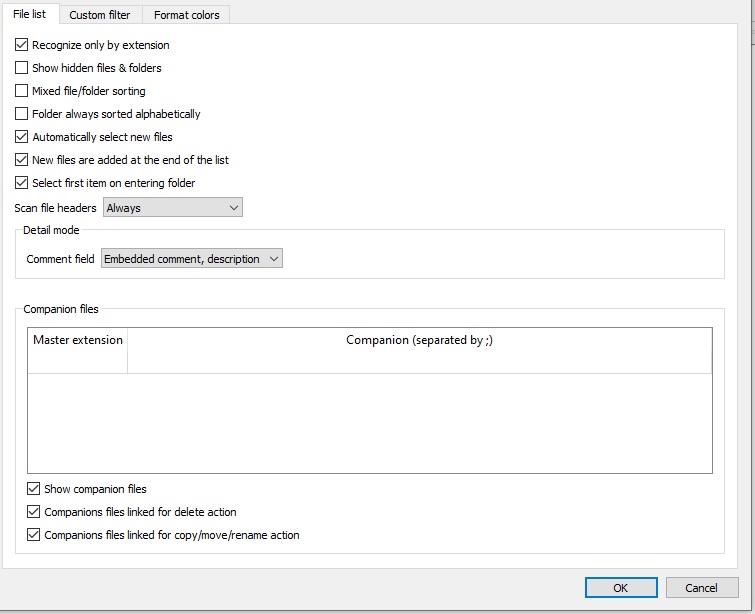
Problem #1 was my mistake partially, it does not move companion file along with image file when after Browser > File List > Companion files options are erased.
Problem #2 was my mistake, had View > Filter By set to show only Images (+ folders), so it was not showing companion files.
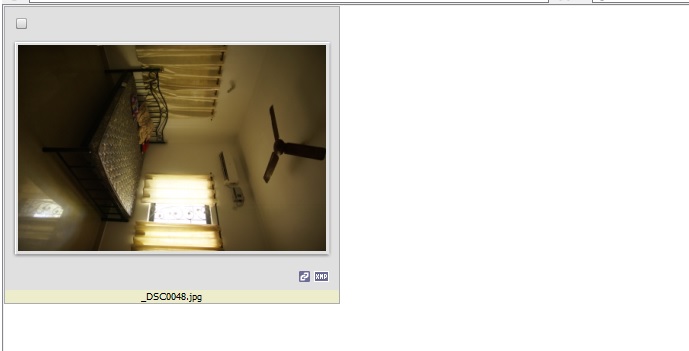
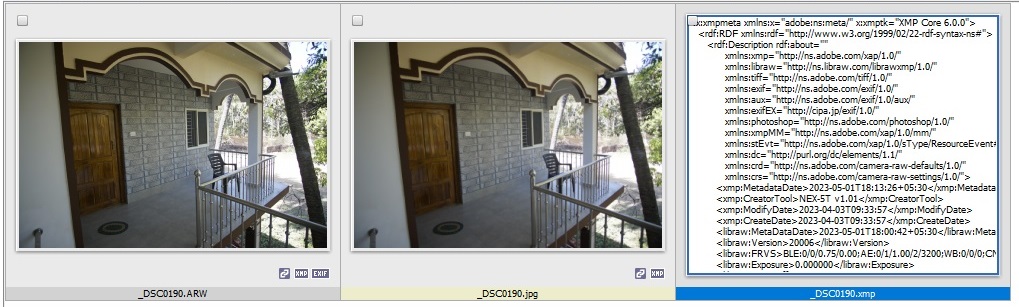
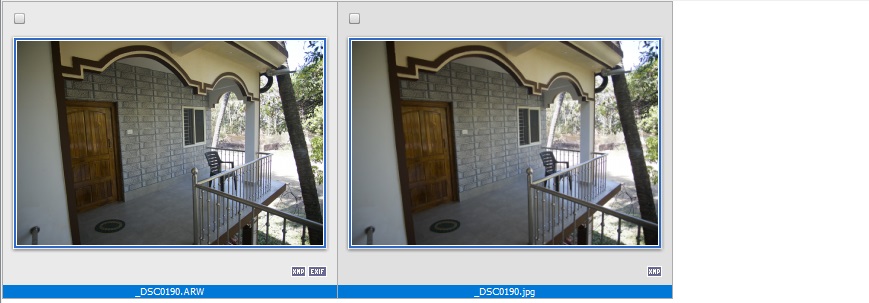
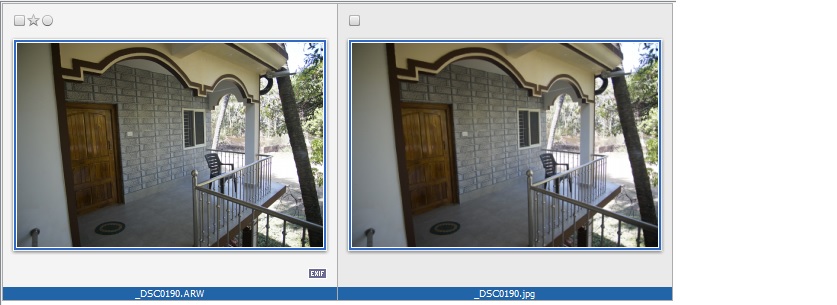
Problem redefined: Companion file icon and XMP icon shows for ARW and JPG files when there companion XMP file located in same folder even when Browser > File List > Companion files options are erased.
Little update in Tools> Settings > Catalog unchecked Enable Catalog so all caching is completely disabled.
Still for ARW & JPG files thumbnail program shows companion file and XMP icon even though all options for companion files are deleted in Tools > Settings > Browser > File List.
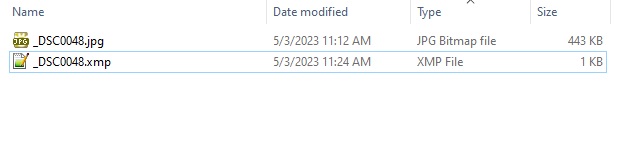
.xmp file really exist in same folder, JPG file has all EXIF tags stripped off so XMP icon shows from .xmp file, not embedded tags.
xnview wrote: Mon May 15, 2023 12:36 pm
if you delete .xmp sidecar, you need to use 'Update files from catalog' to update information.
This is understood,
However how about the fact that sidecar and xmp icon's are shown even when Browser > File List > Companion files options are erased, it should not show any sidecar or xmp icon in this case.
xnview wrote: Mon May 15, 2023 7:01 pm
When you update catalog, icon's info is changed
Icon info only changes if there is .xmp file is no longer located in the folder where .arw and .jpg files are.
If .xmp file present then companion file and xmp icons still shown even when options for companion files are cleared. And update catalog from files does not change this situation.
Bug, when options for comnpanion files are cleared XnView MP should not be registering and reporting any sidecar files.
xnview wrote: Tue May 16, 2023 9:29 am
the companions settings are only for copy/move/rename operations. Sidecar is a special companion file Settings>Metadata>sidecar